
PariPesa Kenya Payment Methods
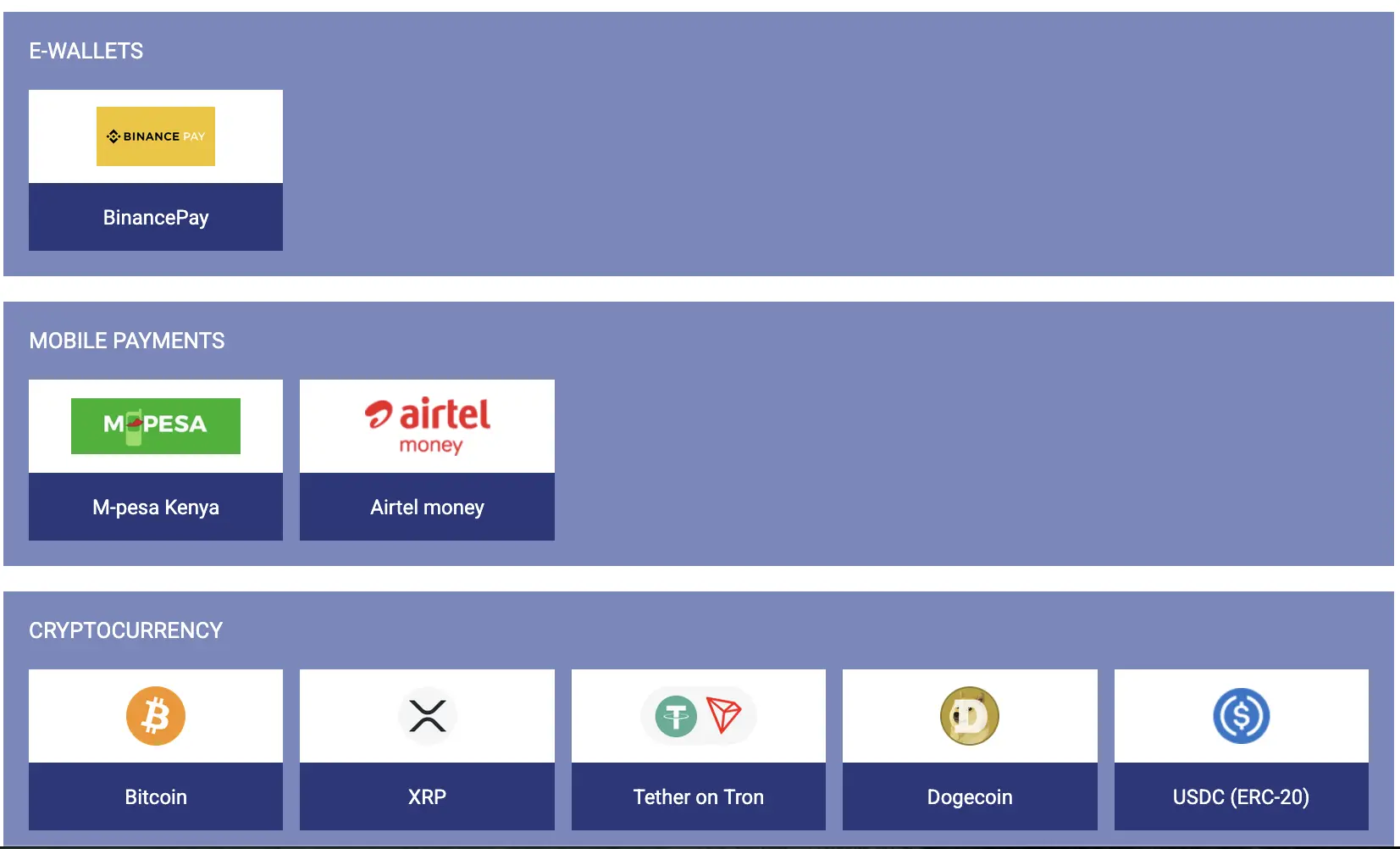
The supplied cashier evidence displays Binance Pay, M-Pesa Kenya, Airtel Money and five cryptocurrency routes. Availability can still change by transaction type, account status and live cashier configuration.
Deposit and Withdrawal Limits
Withdrawal values below come from the latest cashier screenshots supplied for this guide. Binance Pay values may be conversion-sensitive. Deposit limits are published only where the supplied deposit form or reviewed table provides evidence.
M-Pesa Kenya
- Deposit
- 30–250,000 KES
- Withdrawal
- 150–100,000 KES

Airtel Money
- Deposit
- Check live form
- Withdrawal
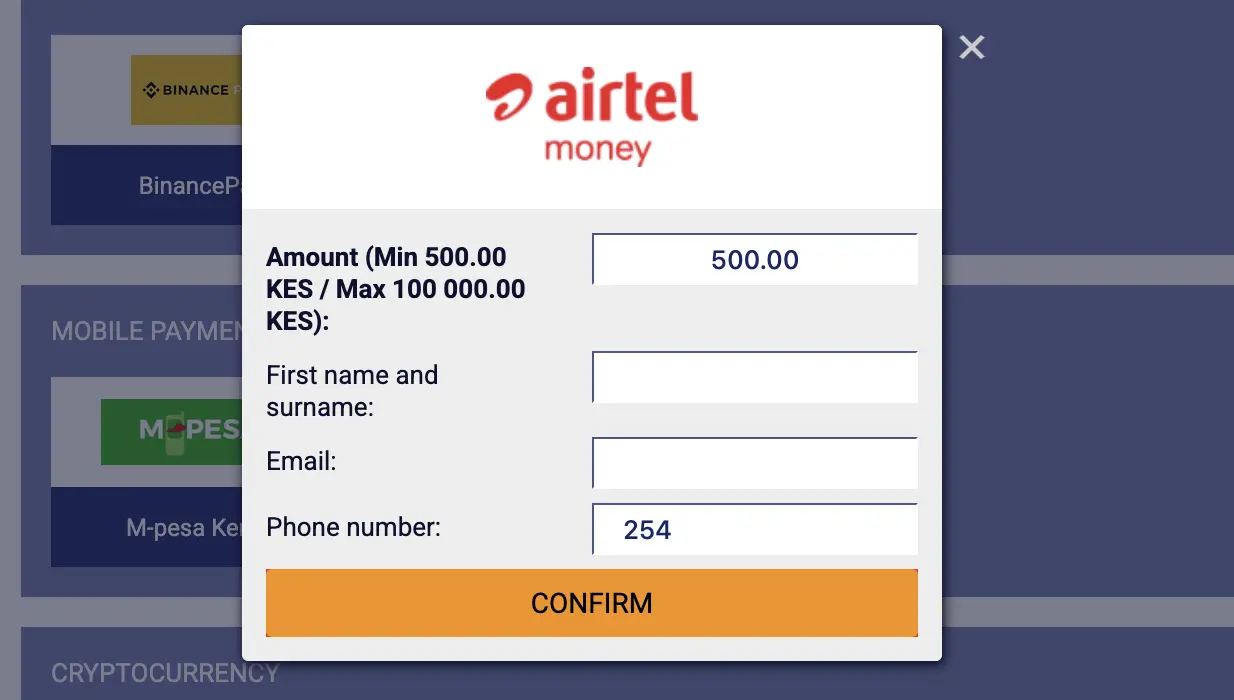
- 500–100,000 KES

Binance Pay
- Deposit
- Check live form
- Withdrawal
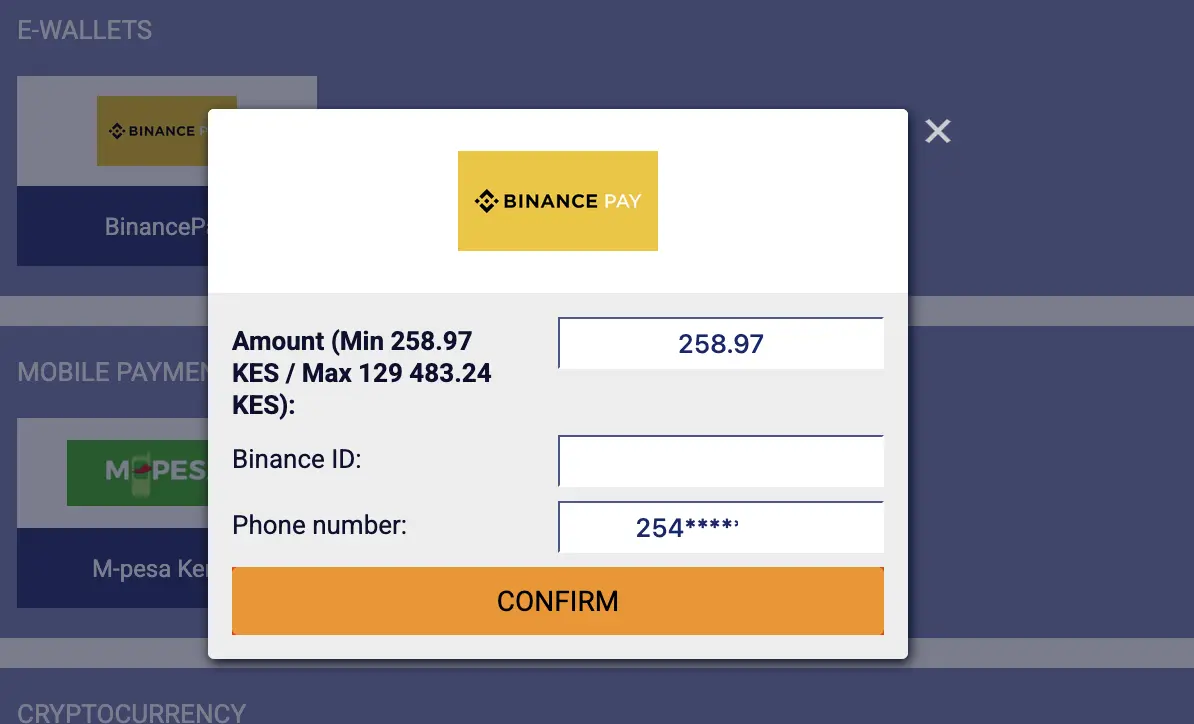
- 258.97–129,483.24 KES
| Method | Deposit Range | Withdrawal Range | Evidence Note |
|---|---|---|---|
| M-Pesa | 30–250,000 KES | 150–100,000 KES | Deposit and current withdrawal forms |
| Airtel Money | Confirm in cashier | 500–100,000 KES | Latest withdrawal form |
| Binance Pay | Confirm in cashier | 258.97–129,483.24 KES | Latest captured conversion |
| Listed crypto | About 477 KES; no maximum stated in reviewed table | 20–500 USD | Table summary; asset and network can change |
The cashier displayed to the actual account takes priority. Provider limits, conversion rates, verification status and platform changes can alter these numbers.
How to Deposit to PariPesa Kenya with M-Pesa
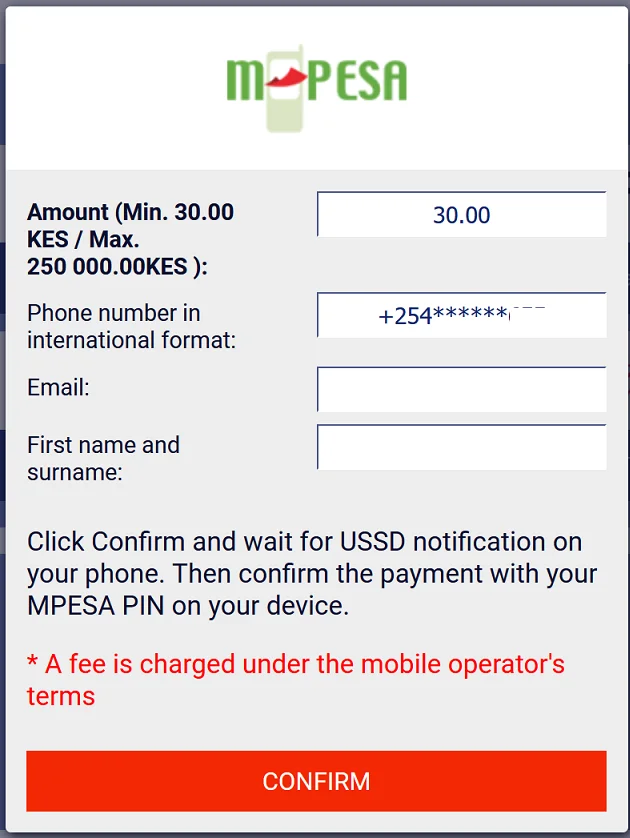
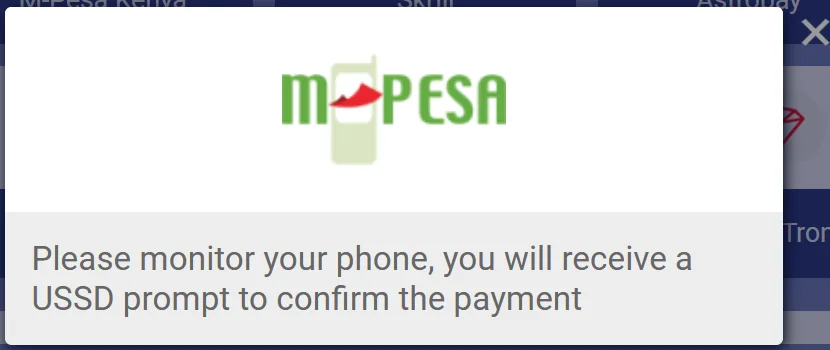
The M-Pesa flow starts inside the logged-in cashier and finishes on the registered phone. Never disclose the M-Pesa PIN to PariPesa support or type it into an ordinary web form.
Log In and Open Deposit
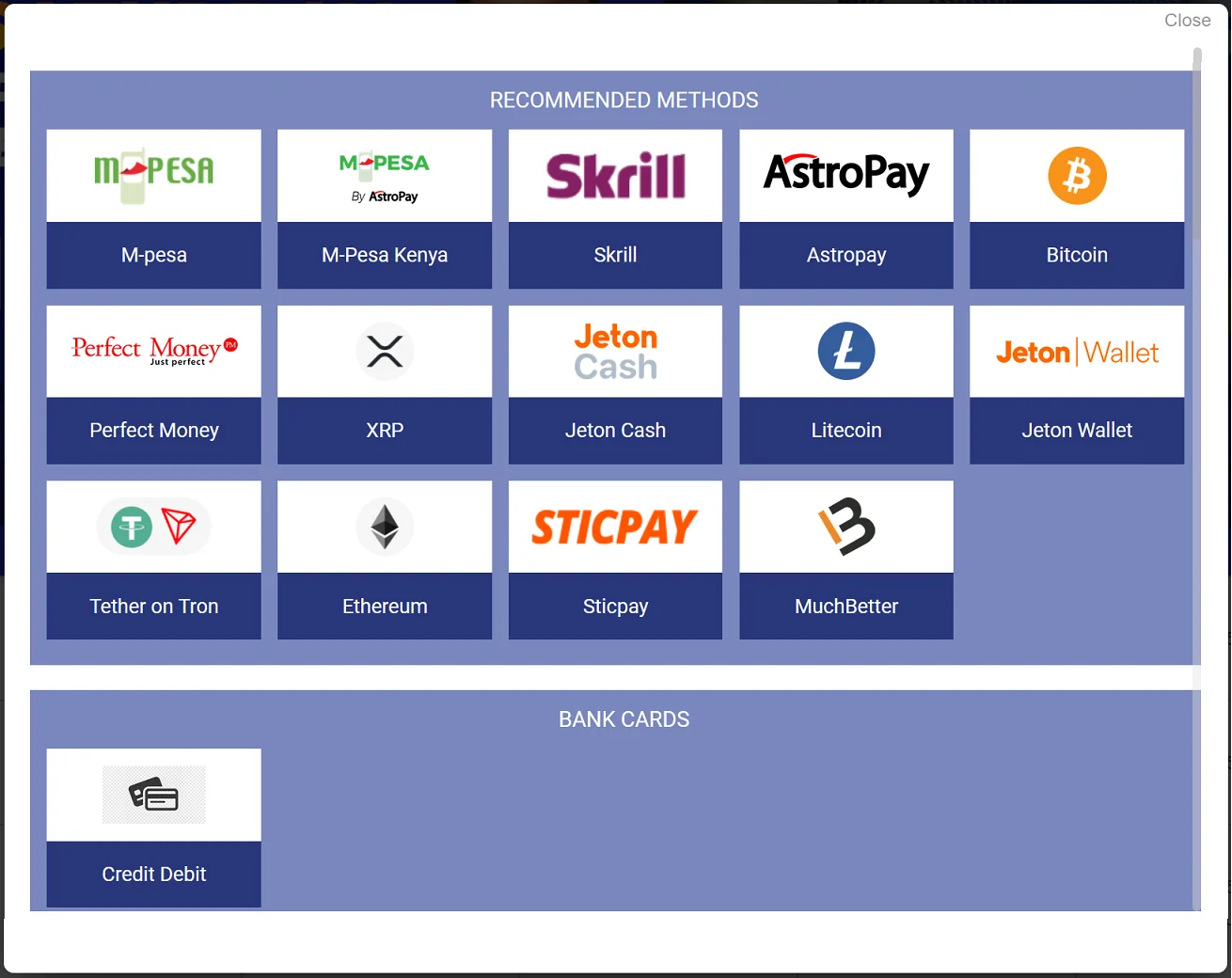
Use the authenticated account or app, select Deposit and choose M-Pesa Kenya.
Enter Matching Details
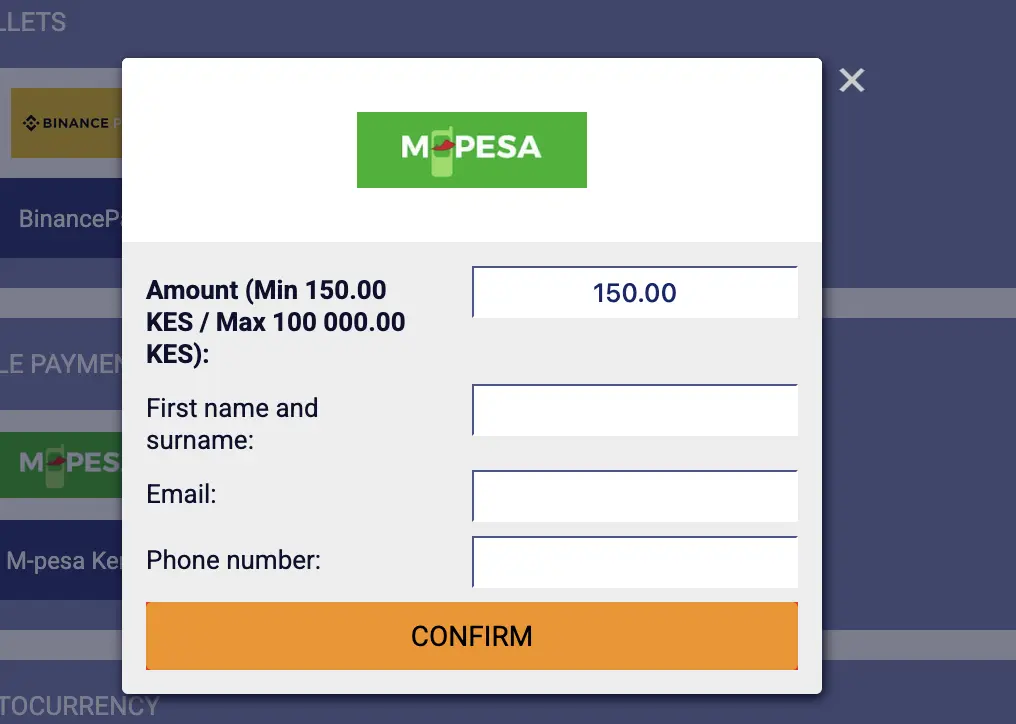
Supply the amount, registered phone, email and first name plus surname as requested. Review the displayed range and any provider fee notice.
Confirm on the Phone
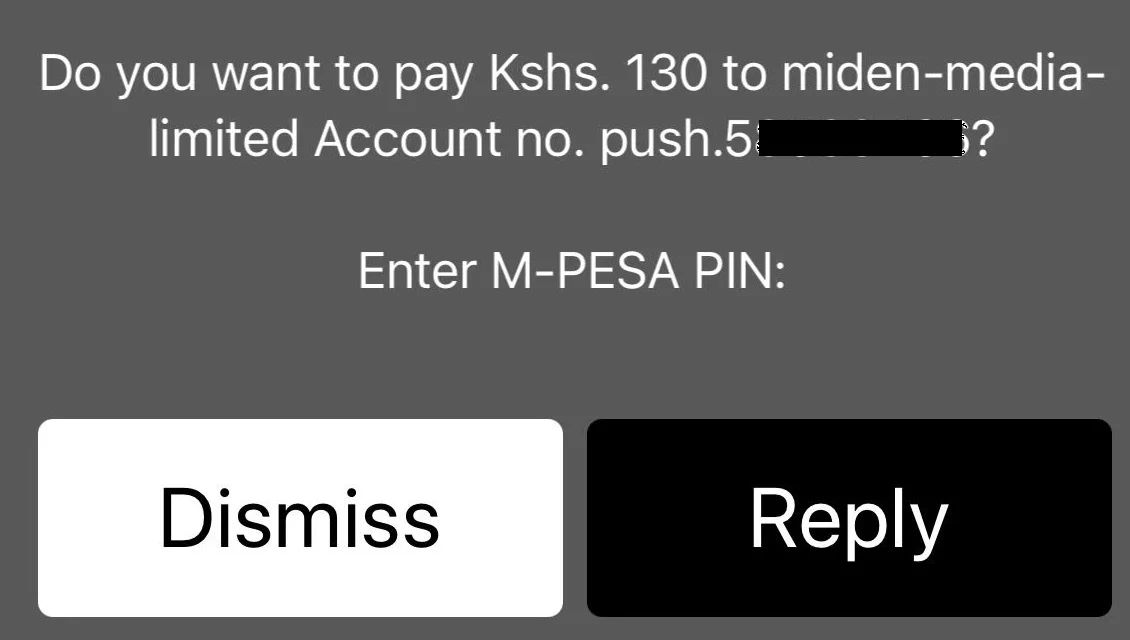
Approve the genuine M-Pesa prompt and enter the PIN privately. If the prompt is cancelled or expires, restart from the cashier rather than sending money manually.
Verify the Credit
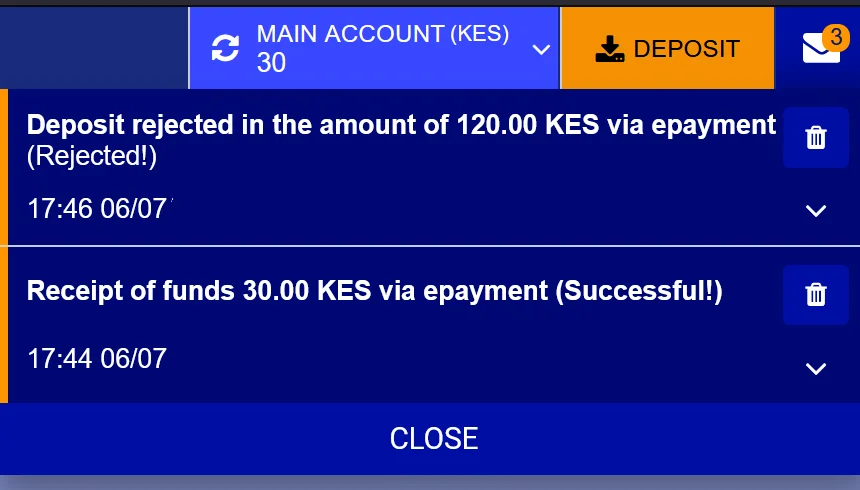
Keep the M-Pesa message and check the PariPesa balance or deposit status before placing a bet.
How to Withdraw from PariPesa Kenya
The current flow is straightforward: choose the withdrawal method, complete the displayed form accurately, confirm the request and wait for approval and provider delivery.
Open Withdrawal and Choose a Method
Select M-Pesa, Airtel Money or Binance Pay only when it is visible in the live withdrawal cashier.
Complete the Form
Enter the amount and requested destination details. Use the real account-holder name and a phone, mobile-money wallet or Binance ID under the appropriate holder’s control.
Confirm the Request
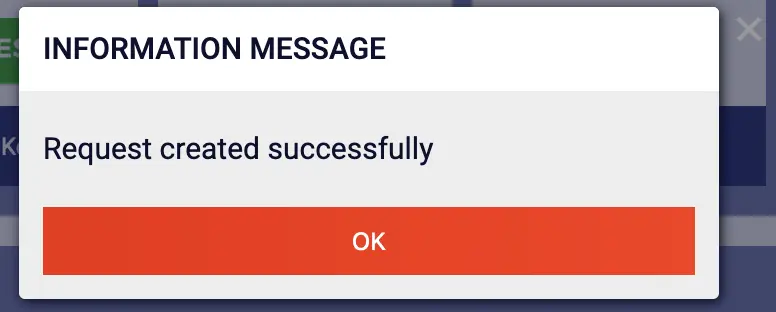
Review the amount and destination, enter an SMS confirmation code if prompted, and retain the success message and transaction record.
Wait for Delivery
The reported normal experience is around 5–10 minutes after approval, but this is not guaranteed. Monitor the cashier and provider messages.
Verification, account review, provider processing, incorrect details or current terms can delay or reject a request. Contact support immediately if the issue remains unresolved for more than 24 hours.
Airtel Money and Binance Pay Deposits
Airtel Money and Binance Pay follow the same broad cashier pattern: select the method, read the live limits, enter the requested matching details, confirm through the relevant provider and retain the reference.
Airtel Money
- Select Airtel Money in Deposit.
- Use the supported Airtel number and matching account details.
- Review the amount and provider prompt.
- Authorize privately and confirm the PariPesa balance.
Binance Pay
- Select Binance Pay only inside the live cashier.
- Verify the Binance ID, amount and conversion shown.
- Confirm through the genuine Binance environment.
- Retain both Binance and PariPesa transaction records.
Exact deposit limits were not visible in the latest supplied Airtel Money and Binance Pay deposit captures, so this guide does not manufacture them. Use the live form displayed to the account.
PariPesa Kenya Cryptocurrency Payments
The supplied cashier image displays the following cryptocurrency routes. This first evidence edition records the table values only; a separate step-by-step crypto transfer guide should wait for wallet and network captures.
| Crypto Detail | Reviewed Value | What to Verify |
|---|---|---|
| Minimum deposit | About 477 KES | Live converted minimum for the selected asset |
| Maximum deposit | No maximum stated in the reviewed table | Do not interpret this as an unlimited provider or account limit |
| Withdrawal range | 20–500 USD | Live KES conversion and account limit |
| Network | Asset-specific | Token and network must match exactly; USDT is shown on Tron and USDC on ERC-20 |
Verify the asset, network, destination and memo/tag where required. Start with a small amount when using a new route and never copy a wallet address from an unsolicited message.
Common Deposit and Withdrawal Problems
Repeated submissions can complicate a payment investigation. First check the transaction state, then collect the evidence needed for support.
Confirm the phone number, connection and current session. Restart the cashier request instead of sending money to an unverified number.
Keep the provider reference, amount and time. Check transaction history before contacting payment support.
Allow the normal review period. Escalate immediately when unresolved beyond 24 hours.
Ask for the request-specific reason. Check verification, matching ownership, destination details, limits, account review and applicable bonus terms.
Check the registered phone and resend option. Never ask another person to receive or forward account verification codes.
Do not submit until the destination ID is verified. A successful request message does not correct a wrong destination.
Stop before transferring. Match both the asset and network exactly to the cashier instructions.
The live form takes priority over screenshots and tables. Adjust only within the displayed current range.
When and How to Contact PariPesa
If a payment remains unresolved for more than 24 hours—or the account shows an error that prevents a safe retry—contact verified PariPesa support immediately with a concise evidence pack.
Payment Email
payments-support@paripesa.africa
Best for a written record and transaction references.
Live Chat
Open chat from the verified PariPesa platform. Use it for status checks and immediate routing.
Telegram Bot
The listed bot is @Paripesa_Support_bot. Verify the destination from the platform before sharing account metadata.
Support does not need the password, full payment PIN, one-time SMS code, seed phrase or private key. Redact unrelated balances, identity numbers and contact details from screenshots.
PariPesa Kenya Payment FAQ
Answers based on the latest supplied cashier captures and documented transaction flow.
What is the minimum M-Pesa withdrawal on PariPesa Kenya?
The current cashier screenshot supplied to xMaat shows an M-Pesa withdrawal range of 150 KES to 100,000 KES per request. Confirm the live cashier before submitting because limits can change.
What is the Airtel Money withdrawal limit?
The supplied cashier capture shows Airtel Money withdrawals from 500 KES to 100,000 KES per request.
Can I withdraw through Binance Pay?
Yes, Binance Pay is displayed as a withdrawal method. The captured range was 258.97 KES to 129,483.24 KES, but these values may move with conversion rates and cashier settings.
How long do PariPesa Kenya withdrawals take?
The observed normal experience is approximately 5 to 10 minutes after approval, but this is not guaranteed. Verification, provider processing and account review can make a request take longer.
What should I do if a withdrawal takes more than 24 hours?
Contact PariPesa immediately through verified live chat, the payment-support email or the verified Telegram support bot. Provide the player account ID, method, amount, time and transaction reference without sharing a password, SMS code or mobile-money PIN.
How do I deposit with M-Pesa?
Log in, open Deposit, select M-Pesa, enter matching account details and amount, confirm, then approve the M-Pesa prompt on the registered phone. Enter the M-Pesa PIN only in the genuine Safaricom prompt.
Does PariPesa Kenya support crypto payments?
The supplied cashier screenshot lists Bitcoin, XRP, Tether on Tron, Dogecoin and USDC on ERC-20. The reviewed table reports crypto deposits from about 477 KES with no stated maximum and withdrawals from 20 USD to 500 USD; verify the asset, network and live conversion before transferring.
Why can a PariPesa withdrawal be delayed or rejected?
Common reasons include incomplete verification, mismatched names or payment ownership, an incorrect destination, provider limits, account review, bonus conditions or anti-money-laundering checks. Ask support for the request-specific reason.